Blocking User Agents
Many requests include obvious indicators that they aren't coming from a human using a web browser, but rather a Python app, Curl script, or another automated requesting mechanism.
Available on the Advanced, Professional, Network, and Enterprise plans.
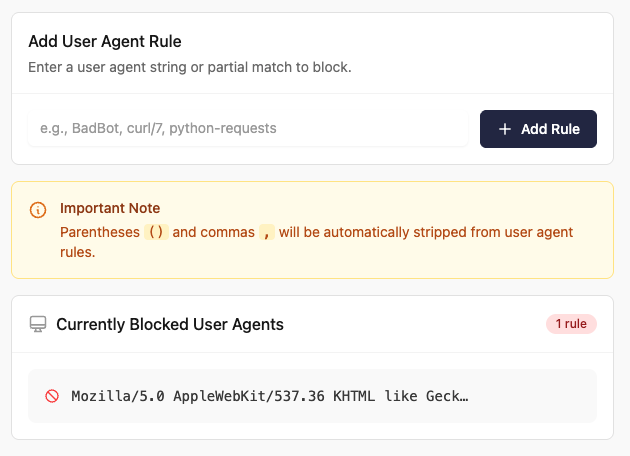
If you identify a malicious user agent, you can block it from the Traffic Rules > Custom User-Agents page of your Expedited WAF dashboard by adding a user agent Blocking Rule:
You can also filter aggressive bots by enabling the setting on the Traffic Rules > Strict User-Agents page that validates user agents before allowing requests through to your Heroku application.