Blocking Requests Based on Country
You can block requests from individual countries to reduce the incidence of fraud or other malicious interactions.
Available on the Advanced, Professional, Network, and Enterprise plans.
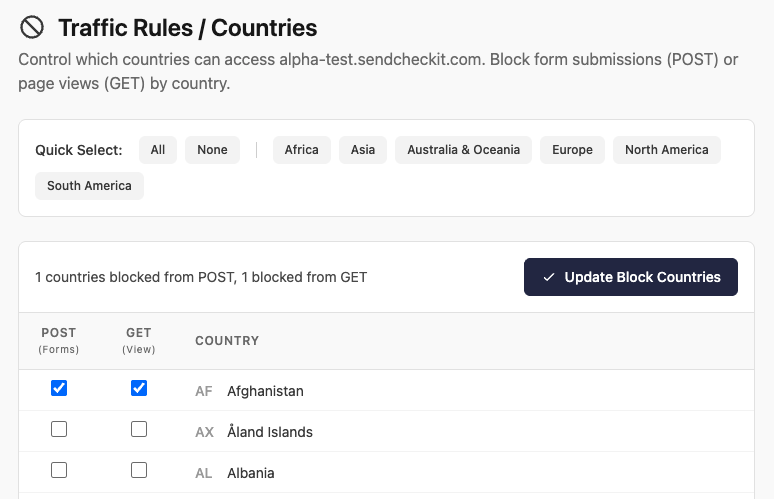
On the Countries page of your Expedited WAF dashboard, each country has two independent checkboxes, POST (Forms) and GET (View), so you can block form submissions, page views, or both. Use the Quick Select buttons to toggle whole continents (or All / None) at once, then click Update Block Countries to save your changes.
Blocking POST requests
Blocking POST requests helps prevent malicious actions like brute-force login attempts, form hijacking (where additional fields or files are added into a form), and possible manipulation of application rules. Check a country’s POST (Forms) box to block its form submissions.
Blocking GET requests
Blocking GET requests can stop certain forms of DDOS attacks, vulnerability scans, and fraud attempts. Check a country’s GET (View) box to block its page views.